Teaching & lesson preparation software
Making lesson preparation and delivery simple
Built for education, compatible with GMS
Simple technology inspires education. Bytello runs on a GMS-certified panel, with safe and secure sync of your Google apps and accounts.
File sharing
Even if the PC and the panel are on separate networks, you can still share files between the two devices.
Cloud drive
Open your assets directly in your Google Drive, OneDrive or Bytello account.
Remembered devices
The panel remembers your devices, so every use is simple.
Shared content
Upload, download and manage your shared content in a few clicks.
Easy account system
Simple technology inspires education. With an operating system designed specifically for education, any educator can easily make teaching engaging. Logging in enables you to quickly access your online class presentations, as well as personal app shortcuts and widgets on your homepage. By logging out, your account and all privacy data will be deleted.

Present your lectures with simplicity
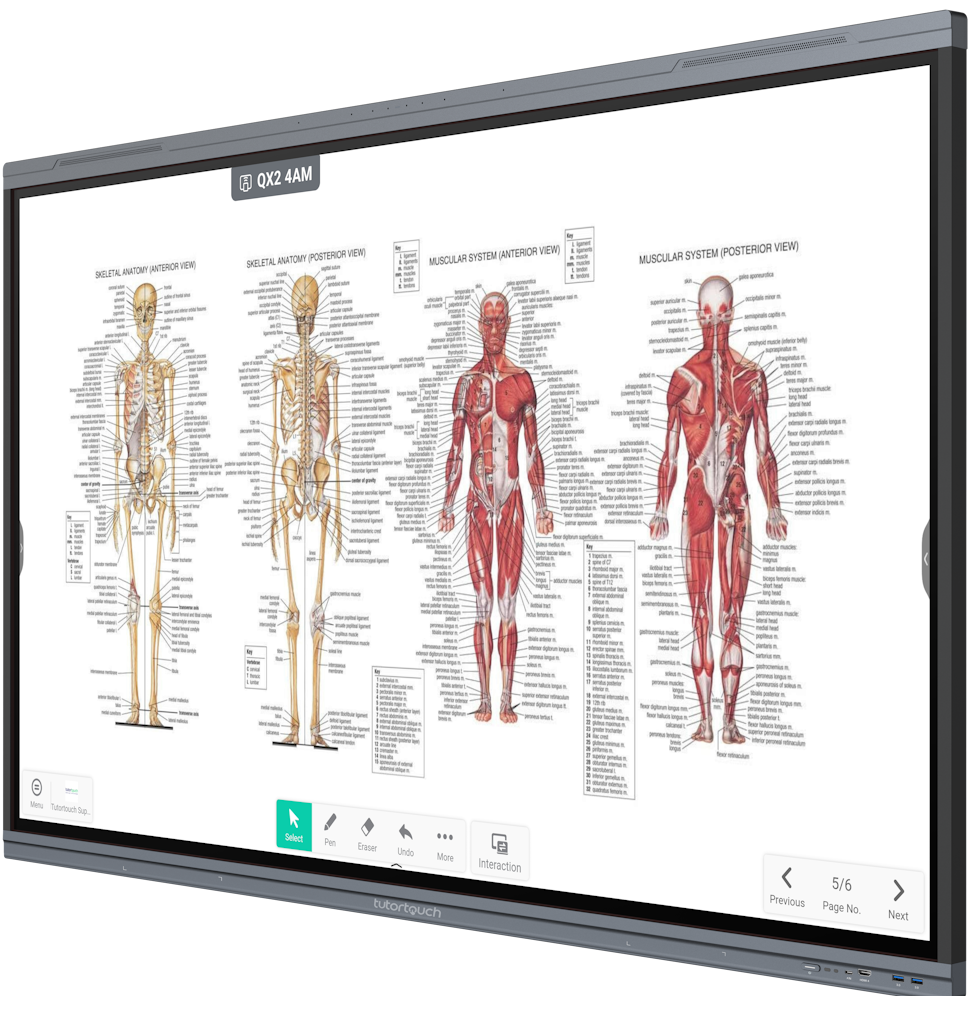
Effective and compelling instruction is provided by a digital whiteboard equipped with potent tools and widgets. Screen Sharing | Remember your user’s devices, so that every use is simple. File Sharing | Even if the PC and IFP are on separate networks, you can still share files between the two devices using IFP. Cloud Drive | Open your assets directly in your Google Drive, OneDrive, or Bytello account.
Seamless screen sharing
One of the standout features of Share is its intuitive and user-friendly interface. The platform’s streamlined design and straightforward functionality make it incredibly easy for anyone, regardless of technical expertise, to navigate and utilise effectively. With just a few clicks, users can quickly upload, download, and manage their shared content, saving time and enhancing productivity.
Empowering equipment management
This software provides organisations with a convenient and quick unified management solution for terminal equipment, constructs an efficient and real-time equipment management system, aids in the digitisation of the campus environment, and makes campus management more convenient. Software is devoted to upholding GDPR compliance.
FAQs
Find answers about Bytello software, accounts and sharing.
Bytello is the teaching and lesson preparation software that comes with tutortouch interactive panels. It has four parts: Bytello OS, Bytello Class, Bytello Share and Bytello DMS.
Logging in gives you quick access to your online class presentations, plus your own app shortcuts and widgets on the homepage. When you log out, your account and all privacy data are deleted.
Yes. Bytello Class has screen sharing, and the panel remembers your devices so that every use is simple.
Yes. Even if the PC and the panel are on separate networks, you can still share files between the two devices.
You can open your assets directly from Google Drive, OneDrive or your Bytello account.
Let's talk!
Whether you're exploring options for your school, looking for the right furniture and technology, or ready to get started, we'd love to hear from you. Get in touch with our team and we'll be happy to help with any questions or enquiries.